ABCDE Method for Prioritizing Tasks: A Practical Guide for Managing Multiple Jobs or Clients
Learn the ABCDE method for prioritizing tasks, ideal if you manage multiple jobs or clients. Step-by-step guide, examples, and tools to stay organized without stress.
Brian Tracy's ABCDE method is a simple yet powerful technique for prioritizing tasks when your workload feels overwhelming. If you juggle multiple projects, clients, or responsibilities (at work, at home, or as a freelancer), this system helps you identify what deserves your immediate attention and what can wait. Unlike endless to-do lists without hierarchy, the ABCDE method for prioritizing tasks forces you to make clear decisions: not everything is urgent, and not everything deserves the same effort. In this article, we’ll explain how to apply it step by step, with real-world examples and adjustments for contexts with multiple sources of work.
What Is the ABCDE Method and Why It Works for Prioritizing Tasks
The ABCDE method involves classifying each task into one of five categories (A, B, C, D, or E) based on its impact and consequences. The key is assigning a single letter to each task, without exceptions. Here are Brian Tracy’s original definitions, adapted for environments with multiple jobs or clients:
- A: Critical tasks (must do). These are tasks with serious consequences if left undone. Examples include delivering a report to a client before a key meeting, paying a bill to avoid late fees, or fixing a technical issue blocking others' work. If you have multiple A tasks, rank them as A1, A2, A3, etc., by urgency.
- B: Important tasks (should do). These have moderate consequences if not completed but aren’t as critical as A tasks. Examples: responding to non-urgent client emails, planning a future meeting, or updating an internal document. Tracy insists you should never do a B task if an A task is pending.
- C: Nice-to-do tasks (could do). These have no real consequences if left undone but provide satisfaction. Examples: organizing your desk, checking professional social media, or attending a networking event. You can postpone these without risk.
- D: Delegable tasks (can assign to others). These are tasks someone else can handle, even if not perfectly. Examples: asking an assistant to book a flight, assigning a colleague to review a draft, or hiring a freelancer to design a presentation. Delegating frees up time for A and B tasks.
- E: Eliminable tasks (can drop). These add no value and can be removed without consequences. Examples: attending meetings without a clear agenda, checking promotional emails, or performing redundant tasks (like duplicating information in two systems). Tracy recommends eliminating these without guilt.
How to Apply the ABCDE Method for Prioritizing Tasks in 5 Concrete Steps
Applying the ABCDE method doesn’t require complex tools—pen and paper or a digital list will suffice. Here’s how to implement it, especially useful if you manage multiple jobs or clients:
- 1. Create a master list of all your tasks. Write down everything you have pending, without filtering. Include tasks from all your jobs, personal projects, and household responsibilities. For example: "Prepare proposal for Client X," "Call the plumber," "Update LinkedIn profile," "Review monthly invoices."
- 2. Assign a letter (A, B, C, D, or E) to each task. Review each item and ask: What happens if I don’t do this? If the answer is "I’ll lose a client" or "there will be a serious problem," it’s an A. If it’s "I’ll look bad but there won’t be immediate consequences," it’s a B. If there are no consequences, classify it as C, D, or E.
- 3. Rank A tasks by priority (A1, A2, A3). Within A tasks, decide which is the most urgent or critical. For example, if you have "Deliver project for Client A" and "Pay taxes," but the project is due today and taxes are due in a week, the first is A1 and the second is A2.
- 4. Start with A1 and don’t move to the next until it’s done. The ABCDE method for prioritizing tasks requires discipline: don’t jump to a B or C task even if it’s easier or more enjoyable. If an A task is large, break it into smaller subtasks to make progress without getting stuck.
- 5. Review and adjust your list at the end of the day. At the end of your workday, revisit pending tasks. Some B tasks may have become A tasks (e.g., if a client sends a reminder), and some C or D tasks may be eliminated or delegated. Update the letters based on changes.
Practical Example: ABCDE Method for Prioritizing Tasks for a Freelancer with 3 Clients
Imagine you’re a graphic designer working with three clients simultaneously. Your task list for today might look like this:
- Send final drafts to Client 1 (due today).
- Follow-up meeting with Client 2 (tomorrow at 10:00 AM).
- Respond to Client 3’s email about project changes.
- Update portfolio on Behance.
- Call the bank to resolve a transfer error.
- Buy materials for a personal project.
- Check promotional emails from suppliers.
Applying the ABCDE method for prioritizing tasks, the classification would be:
- A1: Send final drafts to Client 1 (consequence: lose the project and a significant payment).
- A2: Call the bank to resolve the transfer error (consequence: frozen funds for paying bills).
- B1: Prepare for the follow-up meeting with Client 2 (consequence: look unprofessional, but not critical).
- B2: Respond to Client 3’s email (consequence: project delay, but not urgent).
- C: Update portfolio on Behance (no immediate consequences).
- D: Buy materials for the personal project (can ask someone else to buy them).
- E: Check promotional emails (eliminable without impact).
In this case, you’d start with A1 (sending the drafts) and then A2 (calling the bank). Only after that would you move to B tasks, leaving C, D, and E for later or eliminating them.
Common Mistakes When Using the ABCDE Method for Prioritizing Tasks (and How to Avoid Them)
- Classifying everything as A or B. It’s tempting to think everything is important, but if 80% of your tasks are A, the method loses its usefulness. Be honest: if there are no serious consequences, it’s not an A.
- Ignoring D and E tasks. Delegating or eliminating tasks frees up time for what truly matters. If you don’t delegate, you’ll end up doing others’ work instead of focusing on your own.
- Not reviewing the list periodically. Priorities change: a B task can become an A if a client sends a reminder. Review your list at least twice a day (morning and afternoon).
- Mixing tasks from different jobs without context. If you manage multiple clients or projects, group tasks by area before classifying them. For example, review all tasks for Client 1 first, then Client 2, etc. This prevents an A task from one project from mixing with a C task from another.
- Not breaking down large tasks. A task like "Prepare quarterly report" can feel overwhelming. Break it into subtasks (A1: gather data, A2: write introduction, etc.) to make progress without procrastinating.
Tools for Applying the ABCDE Method (Without Complications)
The ABCDE method for prioritizing tasks works with any tool, from paper to specialized apps. Here are some options based on your work style:
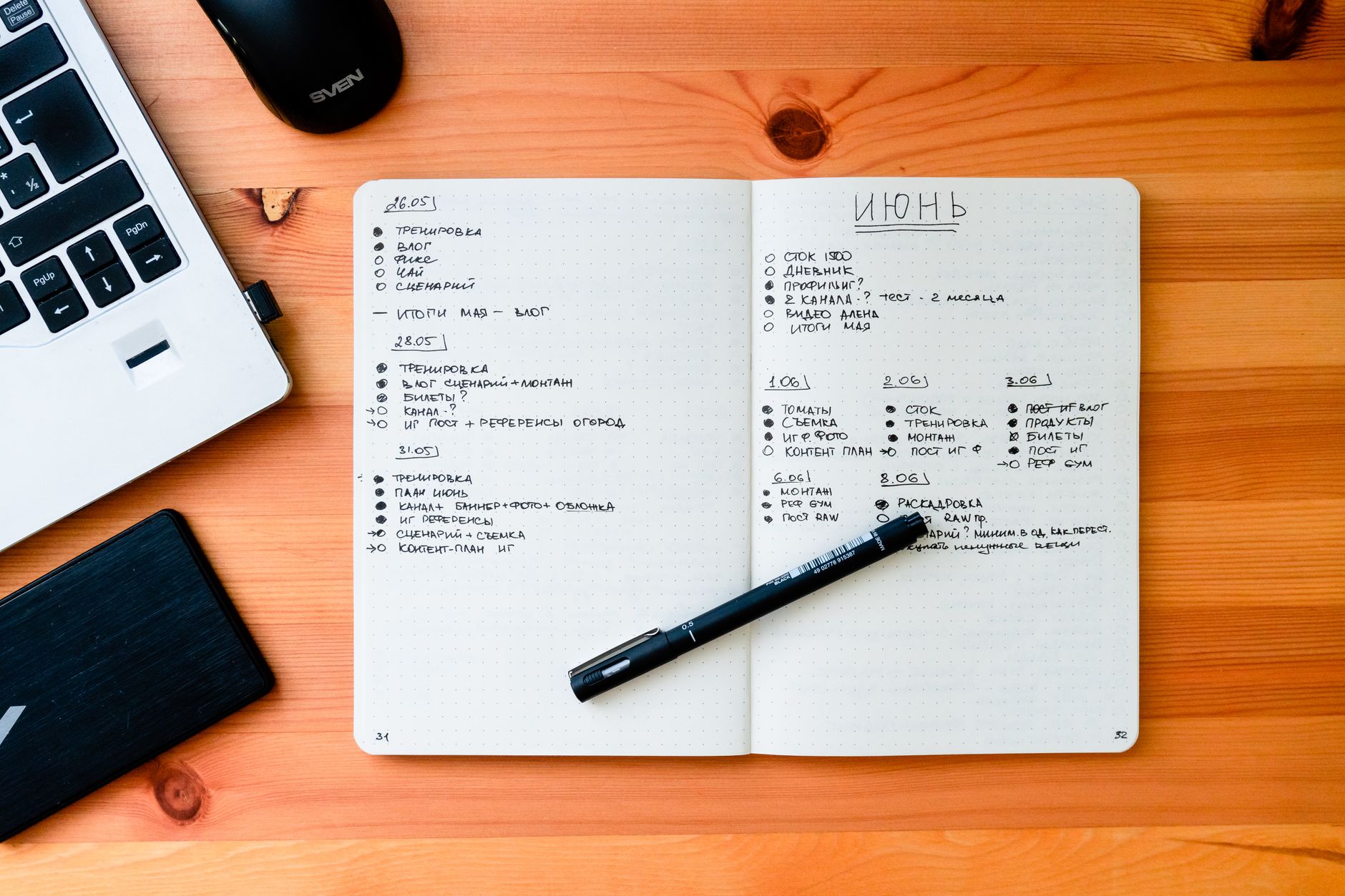
- Pen and paper: Ideal if you prefer something tangible. Use a notebook and write tasks in columns (A, B, C, D, E). Underline or highlight A tasks to make them stand out.
- Spreadsheets (Excel, Google Sheets): Create a table with columns for the task, the letter (A-E), and the project or client it belongs to. Sort rows by letter to see A tasks first.
- Task list apps: Look for apps that allow you to tag tasks by priority. Some, like Todoist or Microsoft To Do, have tagging or priority levels that adapt to the ABCDE method.
- Apps with project views: If you manage multiple jobs, use tools that let you view tasks grouped by client or project. This prevents mixing priorities from different areas.
How to Adapt the ABCDE Method for Managing Multiple Jobs or Clients
The ABCDE method for prioritizing tasks is especially useful when you have multiple sources of work, but it requires adjustments to avoid losing focus. Here are some tips for applying it in contexts with multiple responsibilities:
- Assign a color code per job or client. Use colors to quickly identify which area each task belongs to. For example, blue for Client 1, green for Client 2, and red for personal tasks. This way, when reviewing your list, you’ll see at a glance if you’re balancing priorities.
- Review tasks in work blocks. Instead of classifying all tasks together, do it by project or client. First, review tasks for Client 1 and classify them (A, B, C, etc.), then move to Client 2, and so on. This prevents an A task from one project from mixing with a C task from another.
- Use a two-layer system. If you have many projects, classify first by area (Job 1, Job 2, Home) and then apply the ABCDE method within each. For example: "Job 1 - A1: Deliver report," "Home - B1: Call the plumber."
- Set time limits for A tasks. If an A task is very large, assign a maximum time to work on it (e.g., 90 minutes) and then move to the next. This prevents one task from consuming your entire day.
- Periodically review delegated (D) tasks. If you assign tasks to others, follow up to ensure they’re completed. Use reminders or brief meetings to check the status of D tasks.
ABCDE Method in Action: How to Stay Focused Day to Day
Applying the ABCDE method for prioritizing tasks isn’t a one-time exercise—it requires consistency. These habits will help you integrate it into your daily routine:
- Make your list the night before. Spend 10 minutes at the end of your day writing and classifying tasks for the next day. This way, you’ll start with clarity.
- Always start with A1. Don’t check emails or social media first—go straight to the most critical task. If it’s hard, use the 2-minute rule (commit to working on A1 for just 2 minutes; once you start, it’s easier to continue).
- Block time for A tasks. In your calendar, reserve specific time blocks for A tasks. For example, 9:00–11:00 AM for A1 and 11:30 AM–1:00 PM for A2. Treat these blocks as unmovable meetings.
- Review your list midday. At noon, revisit your list and adjust priorities if there have been changes (e.g., if a client moved up a deadline).
- End the day with a review. Before closing, check what tasks you completed, what’s pending, and if any B tasks became A tasks. Update your list for the next day.
How to Use Foco to Apply the ABCDE Method in Multi-Job Environments
If you manage multiple jobs or clients, a tool like Foco can help you apply the ABCDE method without losing context. In Foco, each job (client, project, or personal area) is a container with a name and color you choose. For example, you can have a job called "Client X" in blue and another called "Home" in green. Each task appears with the color of its job, allowing you to quickly identify which area it belongs to.
To prioritize using the ABCDE method, use Foco’s priority field: mark A tasks as "urgent," B tasks as "important," and leave C, D, and E tasks as "normal." In the List view, tasks are grouped by date (Today, This Week, etc.), but you can manually sort them to see A tasks first. If you prefer a more visual approach, use the Kanban view and create columns like "A (Critical)," "B (Important)," "C (Nice-to-do)," "D (Delegated)," and "E (Eliminable)." Drag tasks to the corresponding column based on their letter.
Foco also lets you filter by job: if you want to review only one client’s tasks, enter their container (Focus mode) to see only their tasks, making it easier to apply the ABCDE method without mixing priorities from different areas. Additionally, the voice capture feature is useful for adding tasks quickly: dictate "A1 Send proposal to Client X today urgent," and Foco creates the task with the priority and due date already assigned, saving you time in classification.
Try Foco
Every task from every job in one place. Free to start.