Thematic Time Blocking for Multiple Jobs: A Practical Guide to Separate Contexts and Boost Concentration
Learn how to use thematic time blocking for multiple jobs: method, steps, examples, and tools to manage several projects without losing focus.
Thematic time blocking for multiple jobs is a technique that allows you to assign specific blocks of your calendar to each work area (clients, projects, teams) instead of jumping between tasks without order. If you manage several jobs or projects, this method prevents mental fatigue from constantly switching contexts and improves your productivity by dedicating full attention to one theme at a time. Unlike traditional time blocking, which groups similar tasks regardless of their origin, the thematic approach prioritizes context (what you need to work) over the type of task (meetings, emails, design).
Why Thematic Time Blocking Works for Multiple Jobs
When you work on more than one project or client, your brain spends valuable energy remembering: 'What tools do I need for this job?', 'Where did I leave the files?', 'What was this client’s tone?'. These micro-context switches reduce your efficiency by up to 40%, according to studies from the University of California. Thematic time blocking solves this by:
- Creating predictable routines: Your mind prepares for a single context (example: 'From 9 to 11 is Client X’s block; I’ll only use their folder, template, and communication tone').
- Reducing cognitive load: By eliminating decisions like 'What should I do now?', you free up mental resources for deep work.
- Minimizing mixing errors: You avoid sending an email with the wrong logo or using data from one project in another.
- Optimizing physical resources: If you need specific materials (samples, equipment, software), you prepare them once per block.
How to Implement Thematic Time Blocking: Step by Step
Follow these steps to design your calendar with thematic blocks. Use concrete examples to adapt it to your reality:
Make a list of all your jobs, projects, or areas that require different approaches. Examples:
- Freelance: Client A (web design), Client B (copywriting), Client C (consulting).
- Employee: Project X (marketing team), Project Y (product team), administrative tasks.
- Entrepreneur: Business 1 (online store), Business 2 (services), financial management.
Use a visual code to quickly recognize blocks in your calendar. For example:
- Client A: Blue (tasks) + design icon (🎨).
- Client B: Green (tasks) + pen icon (✍️).
- Internal project: Red (tasks) + gear icon (⚙️).
The duration depends on the complexity of the work and your energy. Recommendations:
- Deep work (e.g., coding, writing): 90-120 minutes.
- Administrative tasks (e.g., emails, invoices): 30-60 minutes.
- Meetings or calls: 45-60 minutes (including 10 minutes for transition).
If a project requires more time, split the block into two with a 10-15 minute break to stretch or hydrate.
Place thematic blocks during the times of day when you have the most energy for that type of work. Example of a day:
- 8:30 - 10:00 AM: Client A (creative work, high energy).
- 10:15 - 11:15 AM: Client B (repetitive tasks, medium energy).
- 11:30 AM - 1:00 PM: Internal project (strategic planning).
- 2:30 - 3:30 PM: Client C (meetings).
- 3:45 - 5:00 PM: Flexible block (for unexpected tasks or pending items from any context).
Before starting a block, spend 5 minutes to:
- Open the necessary tools (e.g., design software, shared documents).
- Close unrelated tabs or apps.
- Review the list of pending tasks for that context.
- Prepare physical materials (e.g., samples, notebooks).
The 10-15 minutes between blocks are key for:
- Taking an active break (walking, stretching).
- Jotting down ideas or pending items from the previous block so you don’t forget them.
- Mentally preparing for the next context (e.g., 'Now I focus on Client B, formal tone').
Real Example: Thematic Time Blocking for a Freelancer with 3 Clients
Ana is a graphic designer who works with three clients on different projects. Here’s how she applies thematic time blocking for multiple jobs:
- Mondays and Wednesdays: 2-hour blocks for Client 1 (branding design, requires creativity).
- Tuesdays and Thursdays: 1.5-hour blocks for Client 2 (video editing, technical tasks).
- Fridays: 1-hour blocks for Client 3 (meetings and revisions).
- Every day: 30-minute block at the end for administrative tasks (invoices, emails).
- Flexible block: 1 hour daily for unexpected tasks or delayed items from any client.
Result: Ana reduced time lost switching contexts by 30% and improved the quality of her deliveries by dedicating full attention to each project.
Common Mistakes and How to Avoid Them
Even with the best plan, these mistakes can derail your thematic time blocking:
- Overloading a block: Including tasks from two different contexts (e.g., designing for Client A while checking Client B’s emails). Solution: Use the flexible block for tasks that don’t fit any context.
- Ignoring transitions: Jumping from one block to another without a break. Solution: Set alarms to remind you of transitions and use that time to prepare the next context.
- Not adjusting duration: Using 4-hour blocks for tasks that take 30 minutes. Solution: Review weekly which blocks were productive and which weren’t, then adjust the duration.
- Forgetting the context: Starting a block without preparing tools or materials. Solution: Create a checklist for each context (e.g., 'For Client A, I need: Figma open, printed brief, color palette').
Tools to Apply Thematic Time Blocking
You can use digital or analog tools to implement this technique. Some options:
- Digital calendars: Google Calendar, Outlook, or Apple Calendar to schedule blocks with colors and reminders.
- Productivity apps: Tools like Notion or Trello to organize tasks by context and link them to time blocks.
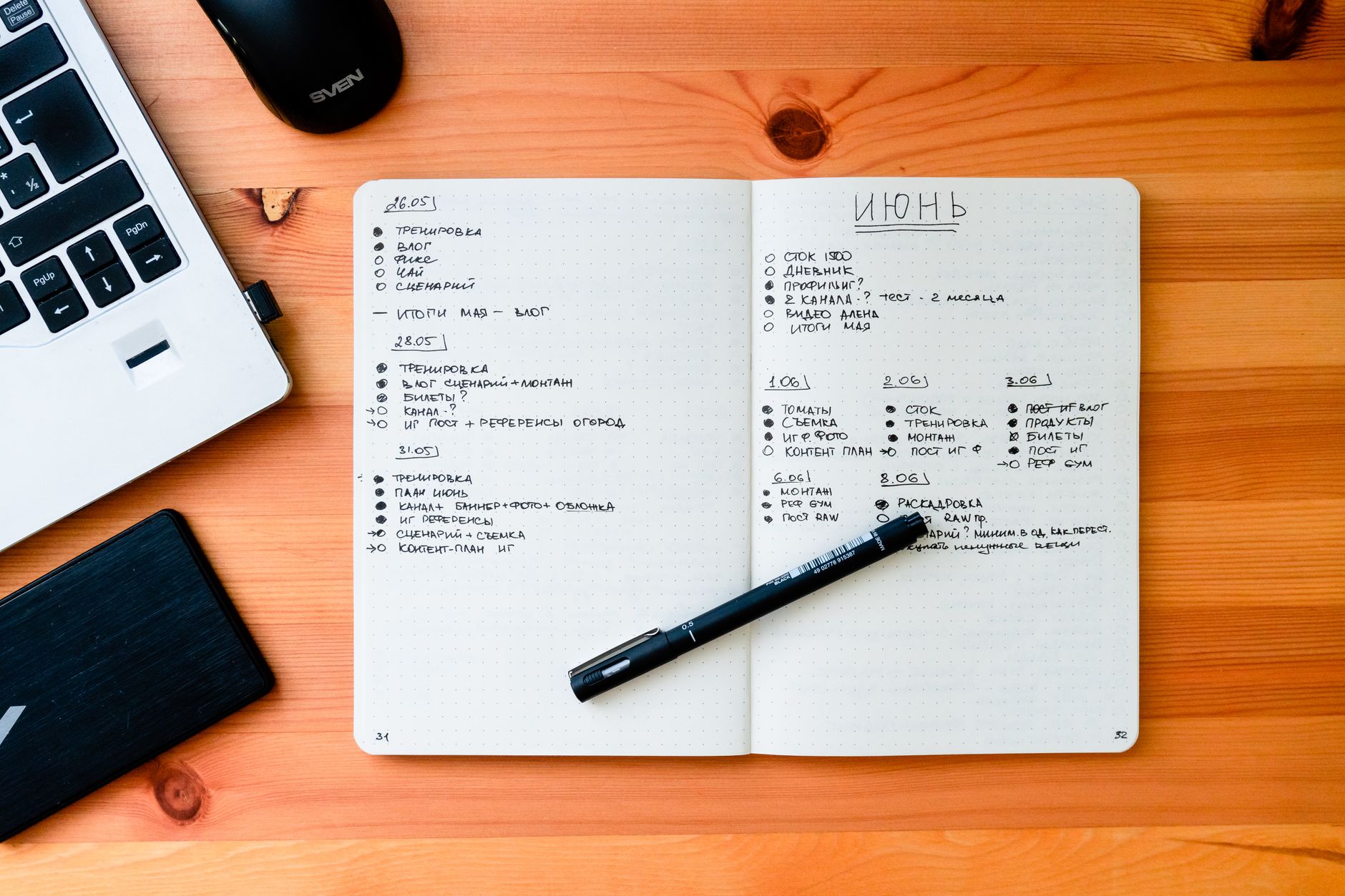
- Pen and paper: A physical notebook or planner with color codes for those who prefer tangibility.
- Timers: Apps like Focus Booster or even an hourglass to mark block durations.
How to Use Foco for Thematic Time Blocking
If you manage multiple jobs, Foco can help you visualize and execute thematic time blocking intuitively. Each work in Foco is a container with a name and color you choose (e.g., 'Client A' in blue, 'Internal Project' in red). In Panorama mode, you see all tasks from all jobs, each with its context’s color, allowing you to quickly identify which thematic block to tackle. When you enter Focus mode, the dashboard filters tasks and only shows those from one specific job, eliminating distractions from other contexts. You can use the Calendar view to schedule your thematic blocks and see your tasks alongside external events (if you sync Google Calendar or Outlook). Additionally, the voice capture feature lets you quickly dictate tasks during transitions between blocks, ensuring nothing slips through the cracks.
Try Foco
Every task from every job in one place. Free to start.