Deep Work for Multiple Jobs: Exact Steps to Run 90-Minute Focus Sessions Without Context Switching
Learn how to apply deep work with multiple jobs: 4-step method, time-blocking templates, and tools to eliminate distractions and context switching.
Deep work with multiple jobs means dedicating 60-90 minute blocks of uninterrupted focus to a single project, while keeping all other responsibilities visible but silenced. The goal isn’t to work more hours—it’s to complete high-impact tasks 2-3x faster by eliminating context switching. Here’s how to do it:
- 1. Identify the 1-2 tasks per project that require deep work this week. Example: A developer might block 90 minutes for a complex API integration (Project A) and 60 minutes for debugging a legacy system (Project B).
- 2. Schedule these blocks in your calendar with execution dates, start times, and durations. Use the 50% rule: if a task takes 60 minutes, block 90. Include 15-minute buffers between sessions to handle transitions or unexpected delays.
- 3. Prepare the context before the session starts. Open all necessary files, silence notifications from other projects, and write down what you’ll tackle next in the current project. Example: A designer might open Figma, close Slack channels for other clients, and note the next three design elements to refine.
- 4. Run the session with zero interruptions. Use airplane mode, block distracting websites, and set a visual signal (e.g., a red lamp) to remind yourself you’re in deep work mode. If an idea for another project pops up, jot it down in a ‘parking lot’ note and return to the task.
How to Prioritize Deep Work Tasks Across Multiple Projects (With Examples)
Not all tasks deserve deep work. To decide which ones do, ask: ‘What will have the biggest long-term impact if done with excellence?’ Then, classify tasks using this matrix:
- High impact, high effort (Deep Work candidates): Tasks that move a project forward significantly. Example: Writing a client proposal that could land a $10K contract, or architecting a database schema for a new feature.
- High impact, low effort (Quick wins): Tasks that deliver value with minimal time. Example: Sending a follow-up email to a warm lead or fixing a critical bug.
- Low impact, high effort (Delegate or automate): Tasks that drain time without proportional value. Example: Formatting a report or manually updating a spreadsheet.
- Low impact, low effort (Eliminate): Tasks that don’t contribute to goals. Example: Attending a status meeting with no clear agenda or responding to non-urgent Slack messages.
For a freelancer juggling three projects, here’s how this might look in practice:
- Project A (Corporate client): Deep work task = Drafting a 20-page market analysis (high impact, high effort). Quick win = Sending a contract renewal reminder (high impact, low effort).
- Project B (Startup): Deep work task = Building a prototype for a new feature (high impact, high effort). Delegate = Asking a junior developer to handle CSS tweaks (low impact, high effort).
- Project C (Personal project): Deep work task = Recording a course module (high impact, high effort). Eliminate = Scrolling through competitor courses for ‘research’ (low impact, low effort).
Time-Blocking Templates for Deep Work with Multiple Jobs
Use these templates to structure your day. Adjust block lengths based on your energy levels (e.g., 90 minutes for creative work, 60 for analytical tasks).
Template 1: The ‘Two Deep Work Blocks’ Day (For 3+ Projects)
- 7:00 - 7:30 AM: Morning routine (no screens). Review your task list and identify the day’s deep work tasks.
- 7:30 - 9:00 AM: Deep Work Block 1 (Project A). Example: Writing a technical specification for a client. Execution date: Today, 7:30 AM, 90 minutes. Buffer: 15 minutes.
- 9:15 - 9:45 AM: Shallow work (emails, messages, admin). Group all low-impact tasks here to avoid interruptions.
- 9:45 - 11:15 AM: Deep Work Block 2 (Project B). Example: Coding a new feature. Execution date: Today, 9:45 AM, 90 minutes. Buffer: 15 minutes.
- 11:30 AM - 12:30 PM: Meetings or collaborative work. Schedule these after deep work to protect your peak focus hours.
- 12:30 - 1:30 PM: Lunch + screen-free break. Avoid checking messages to recharge.
- 1:30 - 3:00 PM: Flexible block. Use for unexpected tasks, follow-ups, or a third deep work block if energy allows.
- 3:00 - 4:00 PM: Weekly review prep. Update task statuses, note pending items, and plan the next day’s deep work blocks.
Template 2: The ‘Single Project Focus’ Day (For Critical Deadlines)

- 7:00 - 9:00 AM: Deep Work Block 1 (Project A). Example: Finalizing a client deliverable due tomorrow. Execution date: Today, 7:00 AM, 120 minutes.
- 9:00 - 9:30 AM: Break + urgent messages (10-minute limit).
- 9:30 - 11:30 AM: Deep Work Block 2 (Project A). Example: Polishing the deliverable and preparing for submission.
- 11:30 AM - 12:30 PM: Shallow work (emails, invoices).
- 12:30 - 1:30 PM: Lunch + walk. No screens.
- 1:30 - 3:00 PM: Deep Work Block 3 (Project A). Example: Drafting a follow-up proposal for the client.
- 3:00 - 4:00 PM: Buffer time. Handle unexpected tasks or start planning the next project.
Key rule: Never mix projects in the same deep work block. Even if two tasks are high-impact, switching between them costs 20-25 minutes in lost focus [anchor](time-blocking-for-freelancers-with-multiple-clients-how-to-avoid-overlaps-and-boost-productivity).
How to Eliminate Context Switching: 3 Systems That Work
1. The ‘Project Sandbox’ Method
Create a dedicated workspace for each project, both physically and digitally. Examples:
- Physical: Use a different desk or room for each project. Example: Work at your standing desk for Project A and the kitchen table for Project B.
- Digital: Use browser profiles (e.g., Chrome profiles for each client) or separate virtual desktops. Example: Desktop 1 for Project A (with Slack, Figma, and docs open), Desktop 2 for Project B (with GitHub, Trello, and code editor).
- Visual: Assign a color to each project and use it consistently. Example: Blue for Project A (notebook, sticky notes, task app color), green for Project B.
2. The ‘Notification Firewall’
Configure your tools to only show notifications for the project you’re working on. Steps:
- Slack/Teams: Mute all channels except the one for the current project. Use the ‘Do Not Disturb’ mode during deep work blocks.
- Email: Set up filters to auto-label emails by project (e.g., ‘Project A’ label for client@company.com). Only check the inbox for the current project’s label during its deep work block.
- Task apps: Use a tool that lets you filter tasks by project. Example: In Foco, switch to Focus mode to see only tasks for the selected project.
3. The ‘Parking Lot’ for Distractions
Keep a notepad or digital doc open to jot down distractions that pop up during deep work. Example:
- During a deep work block for Project A: You remember you need to follow up with a vendor for Project B. Instead of switching, write: ‘Project B: Email vendor about contract by EOD.’
- During a deep work block for Project B: You get an idea for a blog post (Project C). Write: ‘Project C: Outline blog post on X topic.’
- After the session: Review the parking lot and schedule time to address these items in their respective projects.
How to Handle Interruptions During Deep Work
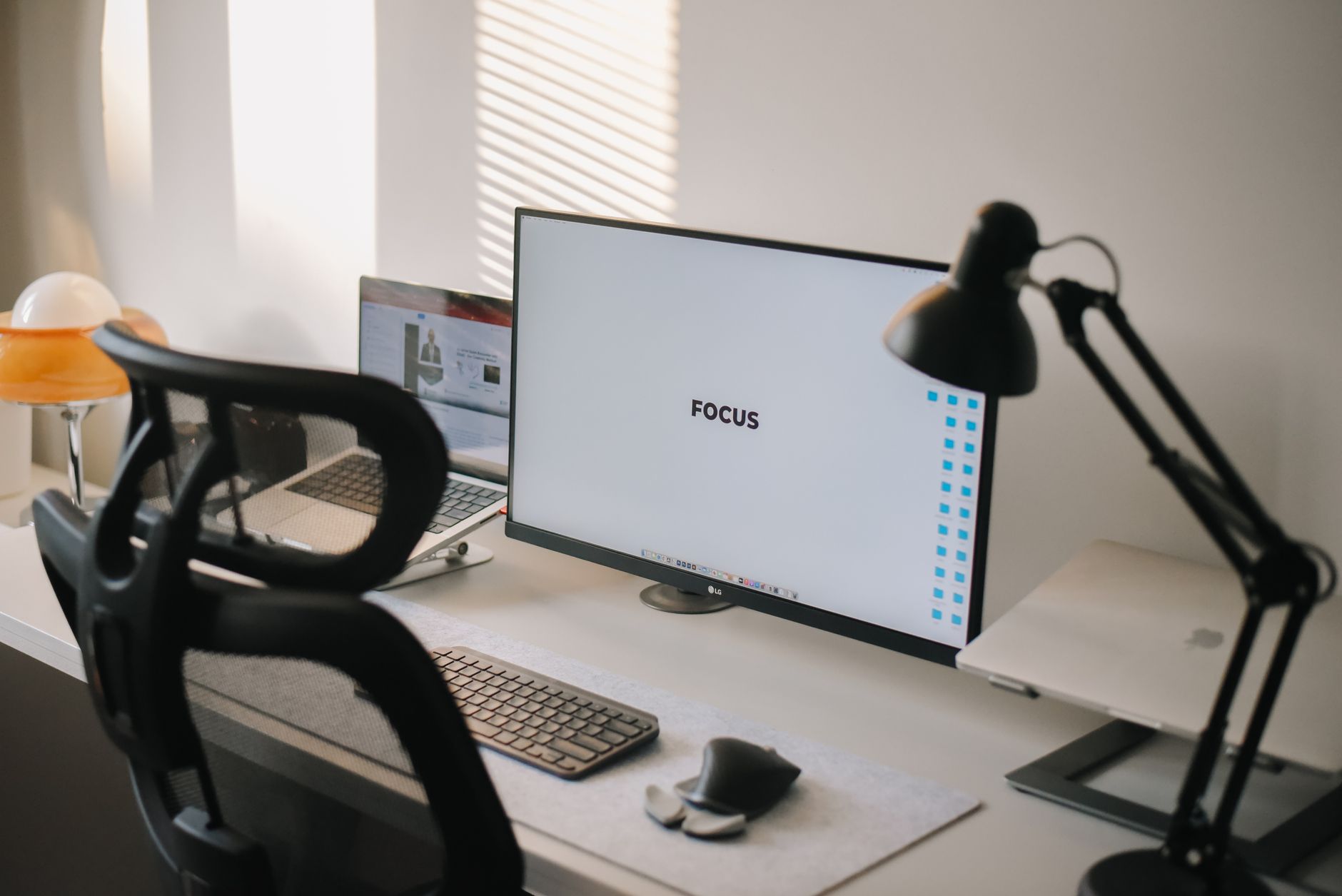
Even with systems in place, interruptions happen. Here’s how to handle them without derailing your focus:
- Urgent client request: If a client messages during a deep work block for Project A, respond: ‘I’m in a focus session until [time]. I’ll review this and get back to you by [specific time].’ Then add the request to your parking lot.
- Team member question: If a colleague pings you about Project B during a Project A block, say: ‘I’ll check this after my session at [time].’ If it’s truly urgent, schedule a 5-minute call during your next buffer.
- Your own distraction: If you catch yourself opening a non-project tab (e.g., Twitter), close it immediately and write down what you were looking for in the parking lot. Example: ‘Check competitor’s pricing page for Project C.’
Pro tip: Use Parkinson’s Law to your advantage. If you allocate 90 minutes for a task, work expands to fill that time. To stay focused, set a timer for 80% of the block (e.g., 72 minutes for a 90-minute session) and challenge yourself to finish early [anchor](parkinson-s-law-for-managing-multiple-jobs-and-avoiding-procrastination-a-practical-guide).
Tools to Run Deep Work with Multiple Jobs (And When to Use Each)
Pick tools based on your workflow. Here’s a breakdown:
- For time-blocking: Google Calendar or Outlook. Block deep work sessions with execution dates, start times, and durations. Example: ‘Project A: API Integration (7:30-9:00 AM, 90 min).’
- For task management: A tool that lets you separate projects and filter tasks. Example: Foco (where each project is a job with its own color), or Todoist (with projects and labels).
- For focus: Freedom or Cold Turkey to block distracting sites. Example: Block social media during deep work blocks for Project A.
- For context switching: OneTab to save and restore browser tabs by project. Example: Save all Project A tabs before switching to Project B.
- For collaboration: A tool that lets you assign tasks to others without losing project context. Example: Foco’s collaboration feature, where you can assign tasks to team members within a specific job.
How to Apply Deep Work with Multiple Jobs Using Foco
Foco is built to help you run deep work sessions across multiple projects without losing the big picture. Here’s how to use it:
- Separate projects with jobs: Each client or project is a job with its own color. Example: Blue for Project A, green for Project B. This makes it easy to see which tasks belong to which project at a glance.
- Use Focus mode for deep work: In Panorama mode, you see all tasks across projects. When you enter a job’s Focus mode, the dashboard filters to show only that project’s tasks, eliminating visual noise from others. This helps you immerse yourself in one context during deep work blocks.
- Block time with the Calendar view: Assign execution dates with start times and durations to your deep work tasks. Example: ‘Project A: Draft proposal (Today, 9:00 AM, 90 min).’ The Calendar view lets you see these blocks alongside your other commitments.
- Capture ideas without breaking focus: Use voice capture to dictate tasks or notes during a deep work session. Foco transcribes your voice and creates the task with automatically detected details (e.g., dates, priorities). Example: ‘Project B: Review pull request #42 by Friday, high priority.’
- Unify tasks from multiple tools: If you use Notion, GitHub, or Jira, Foco’s connections automatically bring in tasks assigned to you. This way, you don’t have to check multiple platforms during deep work blocks. Example: A task from GitHub appears in Foco with the same title, due date, and project color.
For freelancers or teams, Foco’s collaboration feature lets you assign tasks to others within a specific job. Example: Assign a design task to a contractor in Project A’s job, so it stays organized with the rest of the project’s tasks. And if you receive tasks via email, use capture by email (u-xxxx@in.heyfoco.com) to automatically create tasks in the right job.
FAQ: Deep Work for Multiple Jobs
FAQ
What is intensive work, and how is it different from deep work?
Intensive work refers to any task that requires sustained effort, while deep work specifically means distraction-free, cognitively demanding work that creates high-value output. Example: Writing a report is intensive work, but writing it without checking emails or messages is deep work. With multiple jobs, deep work helps you complete high-impact tasks faster by eliminating context switching.
How long should a deep work session be with multiple projects?
Start with 60-90 minute blocks. Research shows that 90 minutes is the optimal length for maintaining focus without burnout. Example: A developer might block 90 minutes for coding (Project A) and 60 minutes for debugging (Project B). Adjust based on your energy—some people thrive with 60-minute sessions, while others prefer 2-hour blocks.
How do I avoid feeling guilty for not working on other projects during a deep work block?
Remind yourself that deep work is about quality, not quantity. Example: If you spend 90 minutes on Project A’s high-impact task, you’ll complete it in half the time it would take with distractions. Use a tool like Foco to see all your projects in Panorama mode before and after the session—this reassures you that nothing is falling through the cracks.
What if a project requires more deep work time than I can allocate in a day?
Break the task into smaller chunks and spread them across multiple days. Example: If a report needs 6 hours of deep work, block 90 minutes per day for 4 days. Use the List view in Foco to group tasks by execution date and track progress. Prioritize the most critical parts first—often, the first 20% of deep work delivers 80% of the value.
How do I handle shallow work (emails, meetings) when I have multiple projects?
Group shallow work into dedicated blocks. Example: Schedule 30 minutes in the morning and afternoon to check emails and messages for all projects. Use filters or labels to separate emails by project, and mute notifications during deep work blocks. For meetings, batch them into a single block (e.g., 11:00 AM - 12:30 PM) to protect your focus time.
Try Foco
Every task from every job in one place. Free to start.



