How to Use the 5-Second Rule for Procrastination When Managing Multiple Jobs (With Examples)
Learn how to use the 5-second rule for procrastination with practical examples and apply it in tools like Foco to manage multiple jobs without hesitation.
The 5-second rule for procrastination isn’t just a motivational hack—it’s a neurological tool to break the autopilot that leads us to delay tasks, especially when juggling multiple jobs, projects, or responsibilities. Every time we hesitate—"I’ll do it later," "Now isn’t the right time"—our brain activates the prefrontal cortex, the area responsible for decision-making but also for excuses. Mel Robbins discovered that counting backward from 5 (5-4-3-2-1) and acting in that instant cuts the procrastination cycle before the mind rationalizes delay. The problem isn’t laziness; it’s the gap between intention and action. This technique closes that gap.

Why Procrastination Skyrockets When Managing Multiple Jobs
Handling multiple jobs—freelance work, personal projects, household tasks—multiplies procrastination opportunities. It’s not just the volume of tasks but the context overload: switching from one client to another, from one type of work to another, demands extra mental effort. Neuroscience research (like Sophie Leroy’s residue attention studies) shows that every task switch leaves an "attention residue" from the previous activity, reducing our ability to focus on the next. This explains why opening a list with 20 tasks from 5 different projects can trigger analysis paralysis and lead to postponing everything.
The 3 Hidden Enemies of Productivity in Multitasking Environments
- The illusion of urgency: We prioritize what shouts loudest (an email, a notification) instead of what’s important. The 5-second rule for procrastination forces us to act on what’s planned, not what’s noisy.
- Decision fatigue: Choosing what to do drains energy. If you review a chaotic list every morning, your brain spends resources deciding instead of executing. The 5-4-3-2-1 rule eliminates choice: you act on the first task you see, without negotiating.
- Present bias: We value immediate relief (postponing) over future benefits (finishing). Counting backward tricks the brain into prioritizing action over comfort.
How to Apply the 5-Second Rule for Procrastination: Concrete Steps
The technique isn’t magic—it requires preparation and practice. Here’s how to integrate it into your routine, especially if you manage multiple jobs:
1. Set the Stage the Night Before
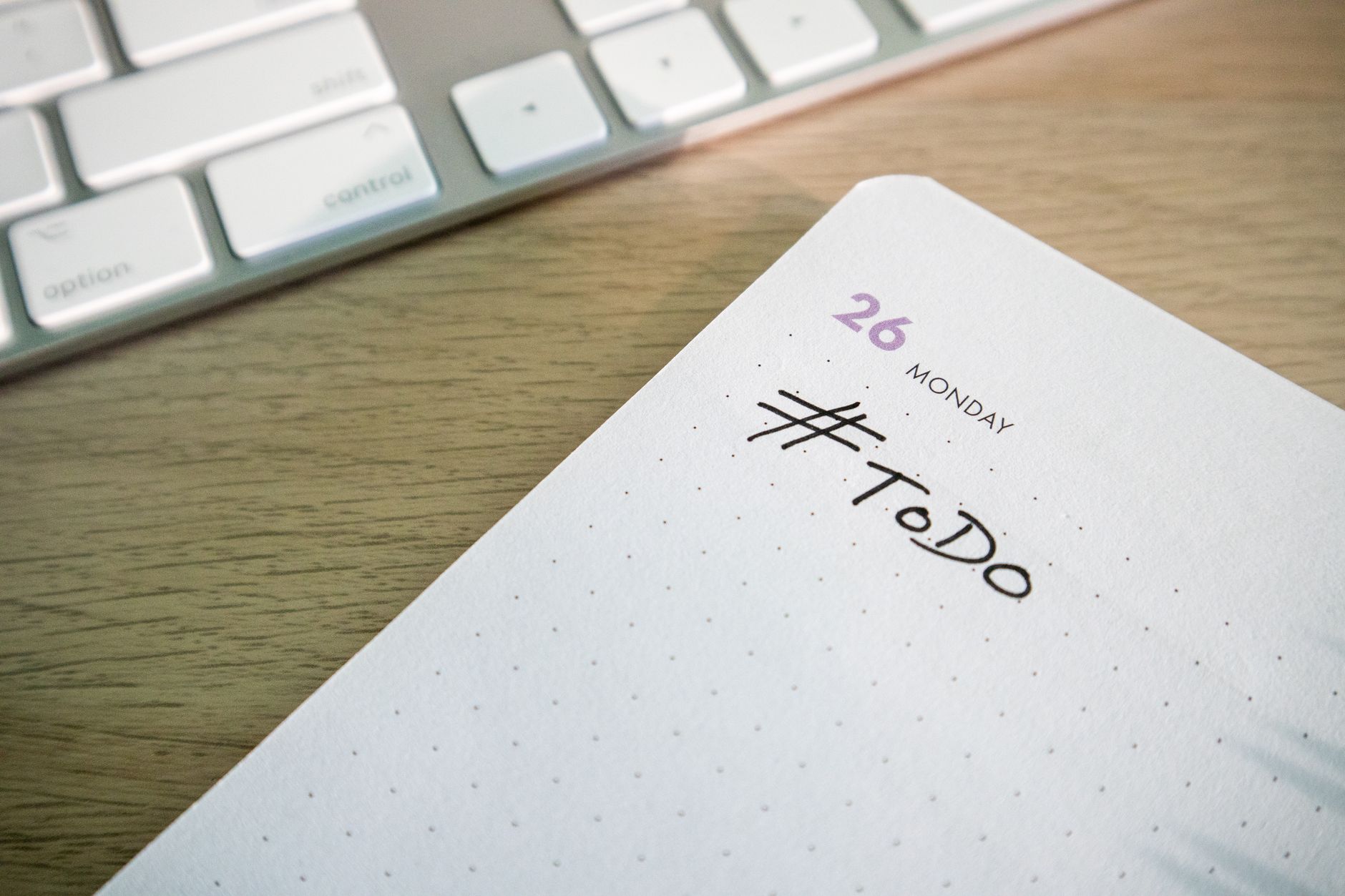
Before bed, choose one task per job to complete the next day. Write it down in a visible place (a sticky note, the first line of your task list). Example: If you have three jobs—a client A, a personal project B, and household tasks C—write: "A: Send proposal to client X," "B: Write 500 words of the report," "C: Call the plumber." The key is to reduce morning friction: when you wake up, don’t waste time deciding what to do, but how to do it.
2. Use the 5-Second "Trigger" When Waking Up
When you open your eyes, don’t check your phone or think. Count out loud or in your head: 5-4-3-2-1 and get out of bed. This first act trains your brain to associate the countdown with action. Then, apply the same method to your first task: if it’s "Send proposal to client X," count 5-4-3-2-1 and open the document. Don’t allow excuses like "I’ll check my email first."
3. Combine It with the "2-Minute Rule" for Small Tasks
If a task on your list takes less than 2 minutes (e.g., "Reply to supplier’s email," "Upload invoice to the cloud"), don’t postpone it. Use the 5-second rule for procrastination like this: when you see it, count 5-4-3-2-1 and do it immediately. This prevents micro-tasks from piling up and causing stress later. Practical example: You’re reviewing your task list and see "Update expense spreadsheet." Instead of postponing it, count 5-4-3-2-1 and open the file. Eliminate the temptation to "do it later."
Real-World Examples: How to Use the Technique in Specific Situations
Example 1: Postponing an Uncomfortable Call
Situation: You need to call a client to negotiate a payment delay, but the idea makes you anxious. Every time you see the task on your list, you think: "I’ll do it after coffee" or "I’ll leave it for the afternoon." Solution with the 5-second rule: When you see the task, count 5-4-3-2-1, dial the number, and put it on speaker. Don’t give time for excuses to arise. Once the call starts, the anxiety decreases because your brain is already in action mode.

Example 2: Starting a Complex Report
Situation: You have to write a 10-page report for a project, but the scope overwhelms you. Common mistake: Opening the document, staring at a blank page, and closing it with the excuse of "I need inspiration." Solution with the technique: Break the report into micro-tasks (e.g., "Write introduction," "Outline sections"). When you see the first micro-task on your list, count 5-4-3-2-1 and write one sentence. Once started, your brain enters flow mode, and the rest comes easier.
Example 3: Switching Contexts Between Jobs
Situation: You’re working on Project A and remember you need to send an email for Project B. Common mistake: Leaving Project A halfway to "quickly" send the email, but ending up checking notifications or distractions. Solution with the technique: If the email is urgent, count 5-4-3-2-1 and send it without opening other tabs. If it’s not urgent, note it in Project B’s list and continue with Project A. The key is to avoid multitasking: the technique helps you decide when to switch contexts, not to do it impulsively.
Procrastination isn’t a time problem—it’s an emotional one: we postpone what makes us uncomfortable, not what we can’t do.
Common Mistakes When Using the Technique (and How to Avoid Them)
- Counting without acting: Saying 5-4-3-2-1 but staying in the same place. The technique requires physical movement (getting up, opening the document, dialing the number).
- Applying it only to big tasks: It works best with micro-actions. If a task overwhelms you, break it into 2-5 minute steps and use the technique on each one.
- Using it as an excuse for perfectionism: The technique isn’t for doing things "perfectly," but for starting them. Example: If you need to send a draft, count 5-4-3-2-1 and send it without reviewing. There’ll be time for adjustments later.
- Ignoring your environment: If your workspace is cluttered or full of distractions, the technique will be less effective. Prepare your environment before applying 5-4-3-2-1 (e.g., close irrelevant tabs, put your phone on airplane mode).
How to Integrate the 5-Second Rule for Procrastination into Your Task Tool
The technique works best when combined with a system that minimizes friction for action. For example, if you use an app like Foco to manage multiple jobs, you can leverage its features to apply the 5-4-3-2-1 without delay:

1. Use "Panorama" Mode to Identify the First Task
When you open Foco in Panorama mode, you see all your tasks from all jobs, each with its project’s color. This lets you visually choose the first task without wasting time navigating between tabs. Example: If you open the app in the morning and see a red (urgent) task for Client A, count 5-4-3-2-1 and switch to that job’s Focus mode to concentrate only on it.
2. Capture Tasks by Voice to Avoid Procrastination When Noting Them Down
If you remember a task while working on something else (e.g., "I need to call the supplier"), use Foco’s voice capture. Say: "Call Juan from the supplier, urgent, tomorrow at 10 AM," and the app will create the task with the detected details. This way, you don’t waste time typing and avoid postponing it for "later." When you finish dictating, count 5-4-3-2-1 and do it if it takes 2 minutes or less.
3. Use the "List" View to Prioritize with the Technique
In the List view, tasks are grouped by date (Today, This Week, etc.). At the start of the day, review the Today section and pick the first task. Don’t overanalyze it: count 5-4-3-2-1 and do it. If a task feels daunting, break it into micro-steps using attached notes (e.g., "Step 1: Open document. Step 2: Write introduction") and apply the technique to each step.
4. Leverage Recurring Tasks to Automate Decisions
If you have repetitive tasks (e.g., "Send weekly report every Friday"), set them as recurring in Foco. This way, you don’t waste time deciding when to do them: when you see them on your list, count 5-4-3-2-1 and complete them. The app will automatically generate the next occurrence, eliminating the excuse of "I forgot."
The 5-second rule for procrastination doesn’t eliminate the discomfort of doing certain tasks, but it gives you the push to start. When you combine it with a system like Foco—which reduces friction for capturing, prioritizing, and executing—every 5-4-3-2-1 becomes a step closer to finishing what matters, without letting procrastination take control.
Try Foco
Every task from every job in one place. Free to start.



