Parkinson's Law for Multiple Jobs: Exact System to Cut Time Waste and Meet Deadlines
Apply Parkinson's Law to multiple jobs with time constraints, artificial deadlines, and the Eisenhower Matrix—exact steps, real examples, and mistakes to avoid.
Parkinson’s Law—"work expands to fill the time available for its completion"—is a forcing function for people managing multiple jobs, clients, or projects. Instead of letting tasks stretch indefinitely, you deliberately constrain time to force focus, eliminate filler, and meet deadlines without burnout. This system works because it exploits two realities: (1) most tasks take less time than we assume, and (2) without constraints, we default to low-effort procrastination (e.g., checking email, over-preparing, or tweaking details). The core tactic is artificial deadlines: assigning a fixed, shorter-than-expected time slot to a task and committing to finish within it. For example, if you allocate 60 minutes to review a pull request for Client A and 30 minutes to draft an invoice for Client B, you’ll likely complete both in the allotted time—whereas leaving them "open" could stretch them into half a day.
Step 1: Diagnose Your Time-Wasting Tasks (Exact Method)
Start by identifying which tasks inflate unnecessarily. Track your time for 3 days (use a notebook or a time-blocking tool) and categorize activities into three buckets:
- Fixed-time tasks: Activities that take the same duration regardless of how much time you allocate (e.g., a 15-minute stand-up meeting, a 30-minute client call). These are immune to Parkinson’s Law.
- Inflatable tasks: Work that expands to fill available time (e.g., writing an email, organizing files, researching a topic). These are prime targets for time constraints.
- Filler tasks: Low-value activities that masquerade as work (e.g., checking Slack every 10 minutes, "quick" social media breaks, or over-editing a document). Eliminate or batch these.
Example: A freelance developer notices they spend 2 hours daily on GitHub notifications. By batching them into a 20-minute block at 11:00 AM, they reclaim 1 hour and 40 minutes for coding.
Step 2: Assign Artificial Deadlines (With Buffers)

Artificial deadlines are fixed time slots shorter than the task’s "natural" duration. The key is to make them realistic but tight—too short, and you’ll fail; too long, and you’ll procrastinate. Use these rules:
- Base deadlines on data: If you tracked that writing a blog post takes 2 hours, assign 2 hours and 15 minutes (a 12.5% buffer).
- Split large tasks into micro-deadlines: A 4-hour task becomes four 50-minute blocks with 10-minute breaks (adapted Pomodoro).
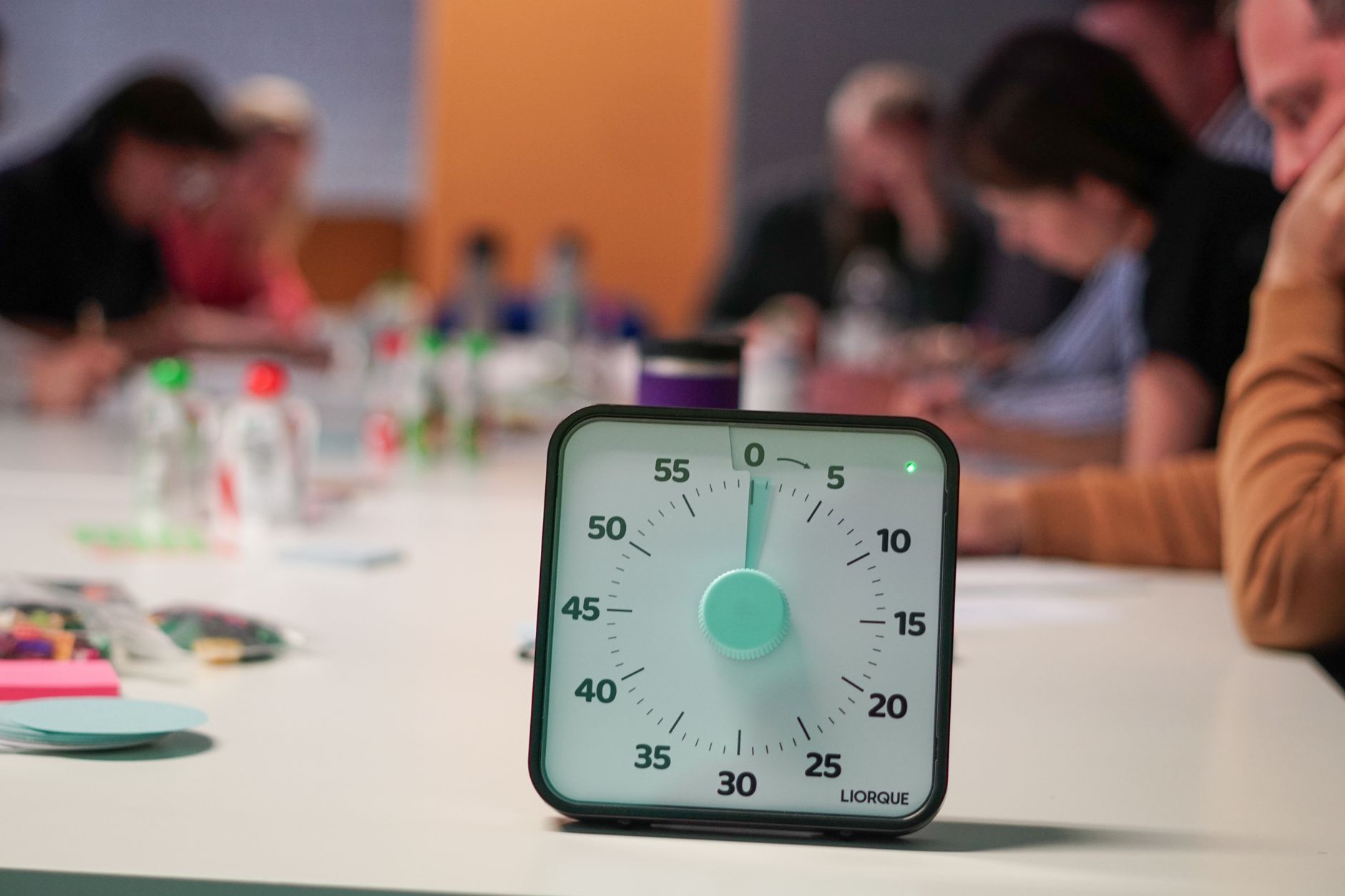
- Use visible timers: A countdown on your desktop or phone creates psychological urgency. Example: Set a 25-minute timer for a Jira ticket review and commit to finishing before it rings.
- Commit publicly: Announce deadlines to clients or teammates (e.g., "I’ll send the draft by 3:00 PM"). Social pressure reduces procrastination.
Example: A designer working on three client projects assigns 90-minute blocks to each. For the highest-priority project (due in 2 days), they reduce the block to 60 minutes and mute notifications. At the end of each block, they send a progress update to the client to create accountability.
Step 3: Prioritize with the Eisenhower Matrix + Time Limits
The Eisenhower Matrix sorts tasks by urgency and importance, but it fails to address Parkinson’s Law: even important tasks can expand indefinitely. To fix this, assign a maximum daily time limit to each quadrant. Example for a freelancer managing multiple clients:
- Urgent and important (e.g., delivering a client project due today): Max 3 hours/day. If it doesn’t fit, delegate or negotiate deadlines.
- Important but not urgent (e.g., planning a new client’s strategy): 1 hour/day, scheduled in a fixed block (e.g., 9:00–10:00 AM).
- Urgent but not important (e.g., replying to a vendor email): 15 minutes/day, batched into one block.
- Neither urgent nor important (e.g., checking Slack notifications): 5 minutes/day, or eliminate it entirely.
Common mistake: Letting urgent (but unimportant) tasks dominate your day. Example: A developer spends 2 hours daily on Slack messages instead of coding. Solution: Batch Slack into two 15-minute blocks (morning and afternoon).
Step 4: Handle External Dependencies (Without Breaking the System)
Some tasks depend on others (e.g., waiting for client feedback). Parkinson’s Law applies only to your part of the work. Example:
- Your task: Send a draft to Client A (1 hour). Deadline: 10:00 AM.
- External dependency: Wait for Client A’s feedback. Solution: Schedule a reminder to follow up at 2:00 PM if no response. If feedback arrives at 11:00 AM, use the remaining time for another task (e.g., invoicing Client B).
Key rule: Never let external dependencies block your entire day. If a task is stuck, switch to another client’s work and return later.
Step 5: Automate Parkinson’s Law with Time Blocking
Time blocking enforces Parkinson’s Law by assigning fixed slots to tasks. For multiple jobs, use a system that separates contexts (e.g., client projects) while keeping the big picture visible. Example workflow for a freelancer with three clients:

- Morning (9:00–11:00 AM): 2-hour block for Client A’s urgent project (due today). Mute notifications for Clients B and C.
- Midday (11:30 AM–12:30 PM): 1-hour block for Client B’s invoicing. Use a visible timer to stay on track.
- Afternoon (2:00–4:00 PM): 2-hour block for Client C’s long-term project. Split into two 50-minute sessions with a 10-minute break.
For a detailed system to avoid overlaps and double bookings, see Time Blocking for Multiple Jobs: Exact System to Avoid Overlaps and Context Switching.
Real-World Example: The Remote Team That Cut Meetings by 66%
A development team using GitHub and Jira noticed their daily sync meetings lasted 45 minutes, when 15 would suffice. They applied Parkinson’s Law by:
- Setting a strict 15-minute limit with a fixed agenda: 1) blockers, 2) daily priorities, 3) task assignments.
- Using a visible timer for everyone and cutting off off-topic discussions.
- Postponing long discussions to dedicated meetings with defined time slots (e.g., "We’ll discuss this Thursday from 10:00–10:30 AM").
Result: They reclaimed 2.5 hours per person per week, redirecting it to development tasks. To unify tasks from tools like GitHub and Jira, see How to Unify Tasks from Multiple Apps in One Place Without Migrating Data.
3 Mistakes That Break Parkinson’s Law (And How to Fix Them)

- Mistake 1: Deadlines that are too tight. Example: Assigning 20 minutes to a task that needs 45. Fix: Calibrate deadlines with real data (e.g., if code reviews take 40 minutes, assign 45).
- Mistake 2: Ignoring buffers. Example: Scheduling a 60-minute task at 10:00 AM with a 10:30 AM meeting. Fix: Add a 10% buffer (e.g., 66 minutes) to account for interruptions.
- Mistake 3: Not accounting for context switching. Example: Jumping between three clients’ tasks in one hour. Fix: Group similar tasks (e.g., all invoicing for Client B in one block). For a system to separate contexts, see Bullet Journal for Multiple Jobs: Exact System to Separate Contexts Without Losing the Big Picture.
How to Apply This System with Foco
Foco is a task app designed for people managing multiple jobs (clients, projects, or personal tasks) in one place. Each job is a container with a unique color, so you can see at a glance which client or project a task belongs to. Two key features enforce Parkinson’s Law:
- Time blocking with calendar view: Assign a date of realization (when you’ll work on the task) with a start time and duration. Example: Block 9:00–10:30 AM for Client A’s urgent project. The task appears in your calendar alongside external events (synced from Google Calendar or Outlook).
- Artificial deadlines with reminders: Set a priority (urgent, important, or normal) and a reminder (e.g., 10 minutes before the task starts). Example: A 25-minute Jira ticket review with a reminder at 2:50 PM to start at 3:00 PM sharp.
- Context switching prevention: Use Panorama mode to see all tasks (color-coded by job) or Foco mode to filter tasks for one job at a time. Example: In Foco mode, you only see Client B’s tasks, eliminating distractions from other projects.
For freelancers, Foco’s Critical Power List feature helps prioritize tasks that directly impact income. See Critical Power List: How to Identify, Prioritize, and Execute Critical Tasks for exact steps.
FAQ
Does Parkinson’s Law work for creative work (e.g., writing, design)?
Yes, but with adjustments. Creative work often requires "incubation time" (e.g., letting ideas marinate). Use Parkinson’s Law for execution phases (e.g., "I’ll draft this article in 90 minutes") but allow flexibility for brainstorming. Example: A designer blocks 2 hours for wireframing but leaves the afternoon open for inspiration.
How do I handle tasks that genuinely take longer than expected?
Use the 10% buffer rule: If a task takes 60 minutes on average, assign 66 minutes. If it still runs over, note the actual time spent and adjust future deadlines. Example: If a code review takes 50 minutes instead of 40, update your template to 55 minutes next time.
Can I use Parkinson’s Law with the Pomodoro Technique?
Yes. Pomodoro (25-minute work + 5-minute break) is a micro-version of Parkinson’s Law. Example: Assign a 25-minute Pomodoro to a task, then reassess. If it’s not done, schedule another Pomodoro later. This prevents overestimating how much you can do in one session.
What if my boss or clients expect me to be available all day?
Set communication boundaries. Example: "I’m available for urgent requests from 10:00–11:00 AM and 3:00–4:00 PM. For non-urgent matters, I’ll respond by end of day." Use Parkinson’s Law for your own tasks (e.g., "I’ll finish this report in 90 minutes") and batch client communications.
How do I apply Parkinson’s Law to meetings?
Assign a fixed duration and agenda. Example: A 30-minute meeting becomes 25 minutes with a 5-minute buffer. Use a timer and cut off off-topic discussions. For recurring meetings, reduce the duration by 10% each week until you find the minimum viable time (e.g., 45 minutes → 40 minutes → 35 minutes).
Try Foco
Every task from every job in one place. Free to start.



