Practical Guide to the Zen To Done (ZTD) Method for Managing Multiple Jobs Without Stress
Learn the Zen To Done (ZTD) method to manage multiple jobs at once: step-by-step guide, real examples, and how to apply it without burnout.
Juggling multiple jobs—clients, personal projects, household tasks—can quickly turn into a mess of overlapping deadlines, context switching, and accumulated stress. The Zen To Done (ZTD) method, created by Leo Babauta as a minimalist evolution of the GTD system, is designed to simplify productivity without sacrificing flexibility. Unlike other approaches, ZTD focuses on small, actionable habits, making it ideal for environments with multiple responsibilities. In this guide, we break down how to adapt the Zen To Done method for multiple jobs, with concrete steps, real-world examples, and strategies to avoid overwhelm.

What Is the Zen To Done Method and Why Does It Work for Multiple Jobs?
The ZTD method is built on 10 key habits, but its core lies in two principles: simplicity and focus on what’s essential. Unlike GTD, which can become complex with its context lists and projects, ZTD prioritizes immediate actions and sustainable habits. This makes it especially useful for people with multiple jobs, where information overload and context switching are daily challenges.
For example, a freelancer managing three different clients can use ZTD to reduce friction between tasks: instead of jumping between tools or wasting time deciding what to do next, the method proposes clear routines (like reviewing a single list per day or processing emails in batches). The key is to automate decisions to free up mental energy.
The 4 Core Habits of ZTD (and How to Apply Them to Multiple Jobs)
Of the original 10 habits, these 4 are the most critical for environments with multiple responsibilities:
- 1. Collect: Capture everything in one place. Use a single system to jot down tasks, ideas, and reminders, regardless of which job they belong to. For example, if you work in design for one client and accounting for another, avoid keeping separate lists on paper, apps, or in your head. A digital board or a dedicated notebook can be enough.
- 2. Process: Quickly decide what to do with each task. Every time you capture something, ask yourself: Does this require action? If not, archive or delete it. If it does, assign a concrete action (e.g., "Send quote to Client X" instead of "Work on project"). For multiple jobs, label each task with the client or project it belongs to (e.g., "[Client A] Review contract").
- 3. Plan: Choose 1-3 key tasks per day. Instead of overwhelming yourself with an endless list, select the most important tasks for each job. For example, if today you need to make progress on two projects and prepare for a meeting, pick one critical task for each (e.g., "Finish report for Client B" and "Send agenda to internal team"). The rest can wait.
- 4. Do: Focus on one task at a time. Context switching is the biggest enemy of productivity with multiple jobs. Use techniques like batching for multiple jobs to group similar tasks (e.g., reply to emails from all clients in a single 30-minute block).
Productivity with multiple jobs isn’t about doing more, but about deciding better what deserves your attention at any given moment.
How to Adapt the Zen To Done Method to Environments with Multiple Jobs
1. Organize Your Tasks by Context (Not by Project)
In ZTD, contexts are categories that group tasks based on where or how you can do them. For multiple jobs, this is more useful than organizing by project. For example:

- @Computer: Tasks that require a device (e.g., editing a video, coding, sending invoices).
- @Calls: All pending calls, regardless of the client (e.g., "Call Client C for feedback").
- @Errands: Physical tasks (e.g., buying materials for a project, sending a package).
- @Collaborators: Tasks that depend on others (e.g., "Wait for response from Supplier Y").
This structure allows you to filter tasks quickly based on available time or tools. For example, if you have 20 minutes between meetings, check the @Computer list and pick something you can finish in that time.
2. Use the «1-3-5 Rule» to Prioritize
With multiple jobs, it’s easy to fall into the trap of trying to make progress on everything at once. The 1-3-5 rule helps you focus:
- 1 big task: The most important task of the day (e.g., "Deliver proposal to Client A").
- 3 medium tasks: Actions that take time but aren’t urgent (e.g., "Update portfolio", "Review pending invoices").
- 5 small tasks: Micro-tasks you can do in under 10 minutes (e.g., "Reply to Client B’s email", "Add expense to spreadsheet").
This technique prevents small tasks (like replying to emails) from consuming your day and stopping you from making progress on what’s important. If you work on multiple projects, distribute the 1-3-5 tasks among them. For example: 1 big task for Client A, 2 medium tasks for Client B, and 3 small tasks for administrative work.
3. Implement Weekly Reviews by Job
One of the biggest advantages of the Zen To Done method for multiple jobs is its focus on frequent reviews. Spend 20-30 minutes each week reviewing each job separately. During this review:
- Update the status of pending tasks (what progressed? what got delayed?).
- Delete or archive what’s no longer relevant.
- Identify blockers (e.g., tasks that depend on others or require more information).
- Plan the next week using the 1-3-5 rule.
For example, if you manage a personal project and two clients, do three brief reviews: one for each client and one for your project. This helps you maintain control without mixing contexts. If you use a digital tool, take advantage of calendar or kanban views to visualize deadlines and priorities. Here’s how to group tasks by type of work to avoid overlaps.
Real-World Example: How a Freelancer Would Apply the ZTD Method
Imagine Laura, a freelance designer working with three clients (a startup, an agency, and a personal project). Her typical day with ZTD might look like this:

- Morning (2 hours): Block dedicated to the big task of the day: "Design landing page for Startup X." She uses time blocking to reserve this time in her calendar and avoids distractions.
- Midday (30 minutes): Reviews the @Calls list and makes two calls: one to the agency to confirm requirements and another to a supplier for her personal project.
- Afternoon (1 hour): Processes emails and small tasks. She uses the 2-minute rule to reply to quick messages and groups the rest into 15-minute blocks (e.g., "Review feedback from Client Y" and "Update invoices").
- End of day (15 minutes): Reviews her 1-3-5 list and adjusts priorities for the next day. She jots down any new tasks that came up and archives completed ones.
Laura also uses tags to differentiate her jobs (e.g., "#StartupX", "#Agency", "#PersonalProject") so she can filter tasks quickly. This allows her to switch contexts without losing track.
Common Mistakes When Using ZTD with Multiple Jobs (and How to Avoid Them)
1. Mixing Tasks from Different Jobs in One List
While ZTD promotes simplicity, it doesn’t mean you should have one chaotic list. If you work on multiple projects, use tags, colors, or sections to separate contexts. For example, in an app like Foco, you can create a job for each client and assign a different color to each. That way, when you see your list in Panorama mode, you’ll quickly identify which project each task belongs to.
2. Not Assigning Realistic Deadlines
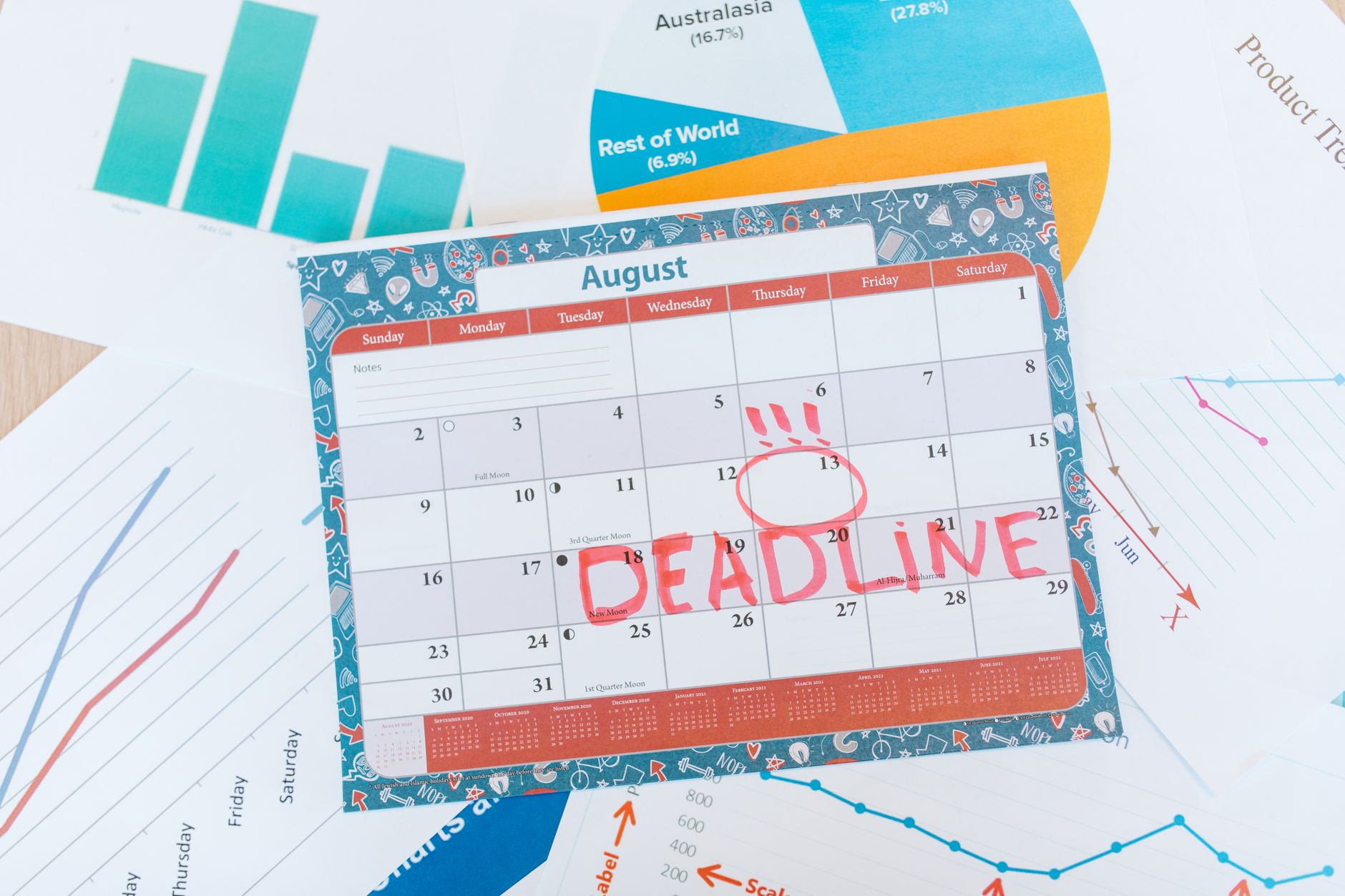
With multiple jobs, it’s tempting to underestimate how long each task will take. Use the five whys technique to identify the real cause of your delays. For example, if you’re always late delivering to a client, ask yourself: Why? (e.g., "Because I underestimate review time"). Then, adjust your deadlines accordingly. In ZTD, this translates to assigning realistic completion dates (not just due dates).
3. Ignoring Recurring Tasks
Recurring tasks (e.g., monthly invoicing, weekly meetings) often get pushed aside until they become urgent. In ZTD, automate their capture so you don’t rely on memory. For example, use reminders or templates for tasks that repeat every month (e.g., "Send invoice to Client Z on the 1st"). If you use a digital tool, set up recurrences so tasks generate automatically.
Tools to Apply the Zen To Done Method with Multiple Jobs
The ZTD method doesn’t require complex tools, but some features can make it easier to apply with multiple jobs:
- Flexible views: You need to see your tasks by project, context, or deadline. For example, a kanban board to visualize the workflow for each client or a calendar to spot overlapping deadlines.
- Tags and colors: To quickly differentiate between jobs (e.g., red for urgent tasks, blue for a specific client).
- Quick capture: Features like voice dictation or email capture let you add tasks without interrupting your workflow. For example, if you receive an email from a client with a request, you can forward it to a personalized address to turn it into a task automatically.
- Integrations: If you work with tools like GitHub, Jira, or Asana, connecting them to your task system avoids duplicating efforts. Here’s how to centralize tasks from multiple apps without migrating data.
One option for applying ZTD with multiple jobs is Foco, an app designed to manage tasks from various projects in one place. Each job (client, personal project, etc.) is organized as an independent container, with its own color and tasks. You can see all your tasks together in Panorama mode or filter by a single job to focus. The list, kanban, and calendar views let you adapt the visualization to your workflow, and features like voice capture or Google Calendar sync simplify task entry. If you use tools like Notion or GitHub, the Plus plan includes integrations to automatically pull tasks assigned to you, ensuring nothing falls through the cracks.
Conclusion: ZTD as a Living System for Multiple Jobs
The Zen To Done method for multiple jobs isn’t a magic solution, but a flexible system that adapts to your needs. Its biggest advantage is that it reduces mental load by simplifying decisions: instead of asking What should I do now?, you focus on What’s most important right now?.
Start with the 4 core habits (collect, process, plan, and do) and adjust the rest based on your context. For example, if you work in a team, add daily reviews with collaborators. If you manage complex projects, use tags to prioritize tasks. The key is to start small and be consistent.
Productivity isn’t measured by how much you do, but by how much you advance on what truly matters.
FAQ
Is the Zen To Done method effective for more than 3 jobs at once?
Yes, but it requires more discipline in organization. Use tags or colors to differentiate each job and review your lists frequently to avoid overlaps. The key is to prioritize tasks with the 1-3-5 rule and avoid mixing contexts.
How can I avoid procrastination with the ZTD method?
Combine it with techniques like time blocking or the 2-minute rule. It also helps to set realistic deadlines and break large tasks into concrete actions (e.g., "Write first draft" instead of "Do report").
Can I use ZTD with tools like Trello or Notion?
Yes, but make sure your tool allows organizing tasks by context (not just by project) and lets you filter quickly. For example, in Notion, you can create views by tags or dates, and in Trello, use separate boards for each job.
What should I do with tasks that depend on other people?
In ZTD, these tasks go into a @Collaborators or @Waiting list. Review this list weekly to follow up and avoid blockers. If you use a digital tool, assign owners and set reminders so you don’t forget them.
How do I apply ZTD if I work remotely with international teams?
Use time zones to your advantage: schedule your big tasks during your peak energy hours and leave collaborative tasks for when your teammates are available. Syncing calendars and using tools with integrations to centralize tasks from different apps also helps.
Try Foco
Every task from every job in one place. Free to start.



